You don't need to spend months building an app to send push notifications to your customers' phones. A mobile website can do it on its own: on Android since 2015, on iPhone since March 2023. Here is how it works and where the catches are.
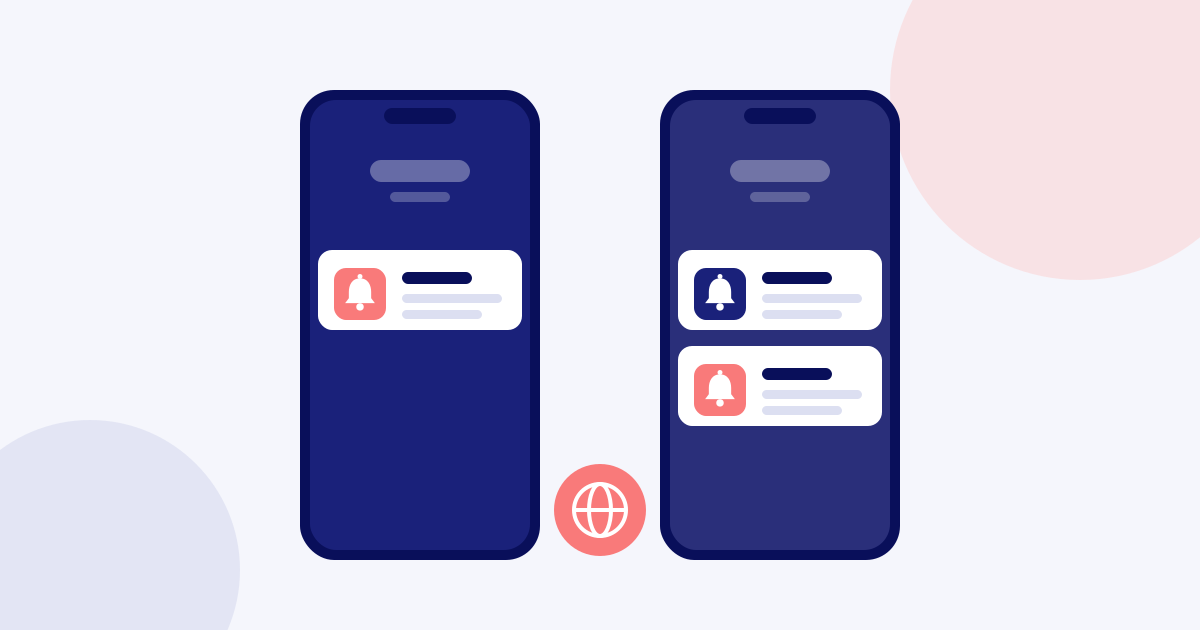
The first kind comes from installed apps: your bank, a marketplace, a taxi service. The second is web push, sent by a website the person subscribed to in their browser. To the user they look almost the same: the same notification shade, the same sound, the same lock screen. More on the basics in What are push notifications.
| App push | Web push | |
|---|---|---|
| What the customer does | finds and installs the app | taps “Allow” on your site |
| What the business needs | iOS and Android development, store listings | a service script on the site |
| Time to launch | months | one day |
| iPhone | always | iOS 16.4+, after Add to Home Screen |
| Android | always | Chrome, Firefox, Opera, Edge, Samsung Internet |
On Android, subscribing works just like on a computer: the visitor sees the browser prompt and taps “Allow”. Notifications arrive even when the browser is closed, and support large images and buttons. The only requirement is HTTPS.
Aggressive battery saving on some phones can delay background notifications. Send time-sensitive messages a little early and with a sensible time to live.
Apple added web push in iOS and iPadOS 16.4. The main difference from Android: people can subscribe only from a site added to the Home Screen. A regular Safari tab never shows the prompt.
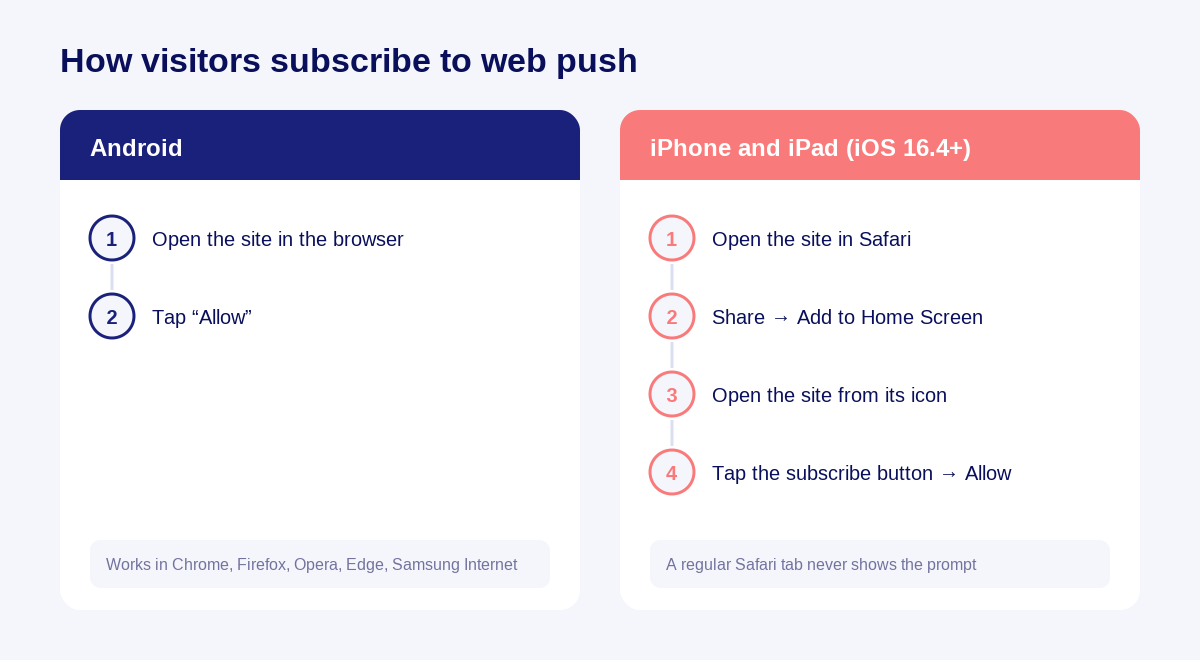
What iPhone push needs:
Notifications appear on the Lock Screen, in Notification Center and on Apple Watch. iOS 18.4 added Declarative Web Push, a more reliable delivery method. In the EU, Home Screen web apps have restrictions, so plan accordingly if your audience is European.
The practical takeaway: your iPhone list grows more slowly than your Android list. To speed it up, show Safari users a short hint with the two steps to add your site to the Home Screen. Full instructions are in our article on web push for iPhone.
Sign up for Push4site, add the script and service worker to your site, and test subscribing from your phone. Then follow our push campaign guide. The first 30 days are free. A short overview of the mobile features is on Push notifications for mobile websites.
No. An HTTPS website and a web push service are enough.
The site must be added to the Home Screen first, and the device must run iOS 16.4 or later.
Yes, on both Android and iPhone.
All iPhone browsers use Safari's engine. Subscribing goes through the Home Screen either way.

Thanks for contacting us!
We will contact you shortly!
Thank you for registering!
An email with a password was sent to the specified email